
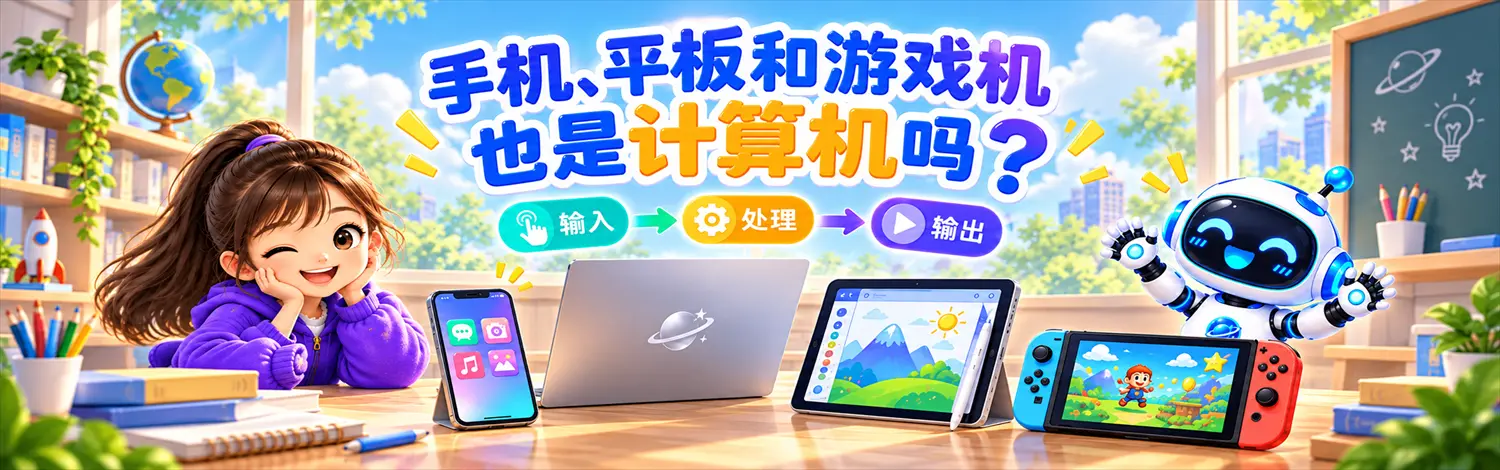
01They Do Not Look Like Computers
When you hear the word “computer,” you might picture a monitor, keyboard, and mouse.
But look at some devices we use every day: phones, tablets, and game consoles. Some have no keyboard. Some have no mouse. A game console may not even have its own screen.
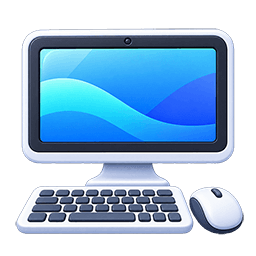
Desktop Computer
Keyboard, mouse, monitor
The shape we usually call a “computer”
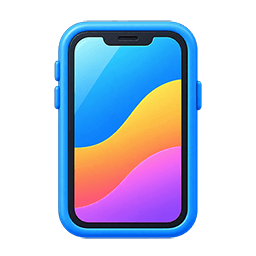
Phone
You touch the screen
It can take photos, play sound, and go online
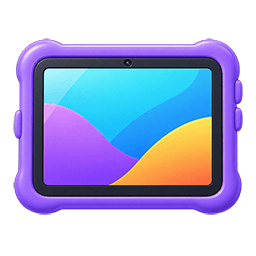
Tablet
A large touch screen
Useful for learning, drawing, and watching videos
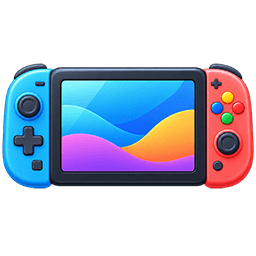
Game Console
You control it with a gamepad
It sends game pictures to a screen
Smartwatch
Small enough to wear
It tracks time, movement, and health data
02But They Do Similar Jobs
Instead of looking at their shapes, let’s look at what happens when they work.
A computer, phone, tablet, and game console can all follow the same basic pattern:
Input
You tap the screen, type,
or press a gamepad button
Process
The device follows a program
and works with the information
Output
The screen changes
or the speaker makes a sound
Example: You Tap “Play” on a Phone
Guess: When you press the “jump” button on a gamepad, is that input, processing, or output?
03They Have Similar Parts Inside
These devices do not just work in similar ways. They also contain some similar parts. You do not need to memorize the names yet—just notice what each part does.
Processor
Follows program instructions, works with data, and performs calculations.
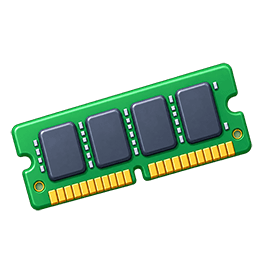
Memory
Temporarily holds programs and data that are being used right now.
Storage
Keeps apps, games, photos, videos, and other files for a long time.
Programs
Tell the device what to do and the order in which to do it.
Remember This
Different shapes do not mean completely different machines. If you look past the outside, phones, tablets, game consoles, and computers have many similar ways of working.
04Why Do They Look So Different?
Because they are designed for different jobs. Engineers choose different shapes, controls, and parts depending on how people will use each device.
Computer
Good for typing, coding, making documents, and connecting many extra devices.
Phone
Made to travel with you, so it is small and includes a touch screen, camera, and phone functions.
Tablet
Bigger than a phone but easier to carry than many computers, with a large touch screen for reading and drawing.
Game Console
Built mainly for games, so its controls, graphics, and sound are designed around playing.

have to look like a PC
to be a computer!
What You Now Know
- Phones, tablets, and modern game consoles are computing devices too.
- We should not judge a computer only by its shape. We should look at how it handles information and runs programs.
- These devices can receive input, process information, and produce output.
- They also contain processors, memory, storage, and programs.